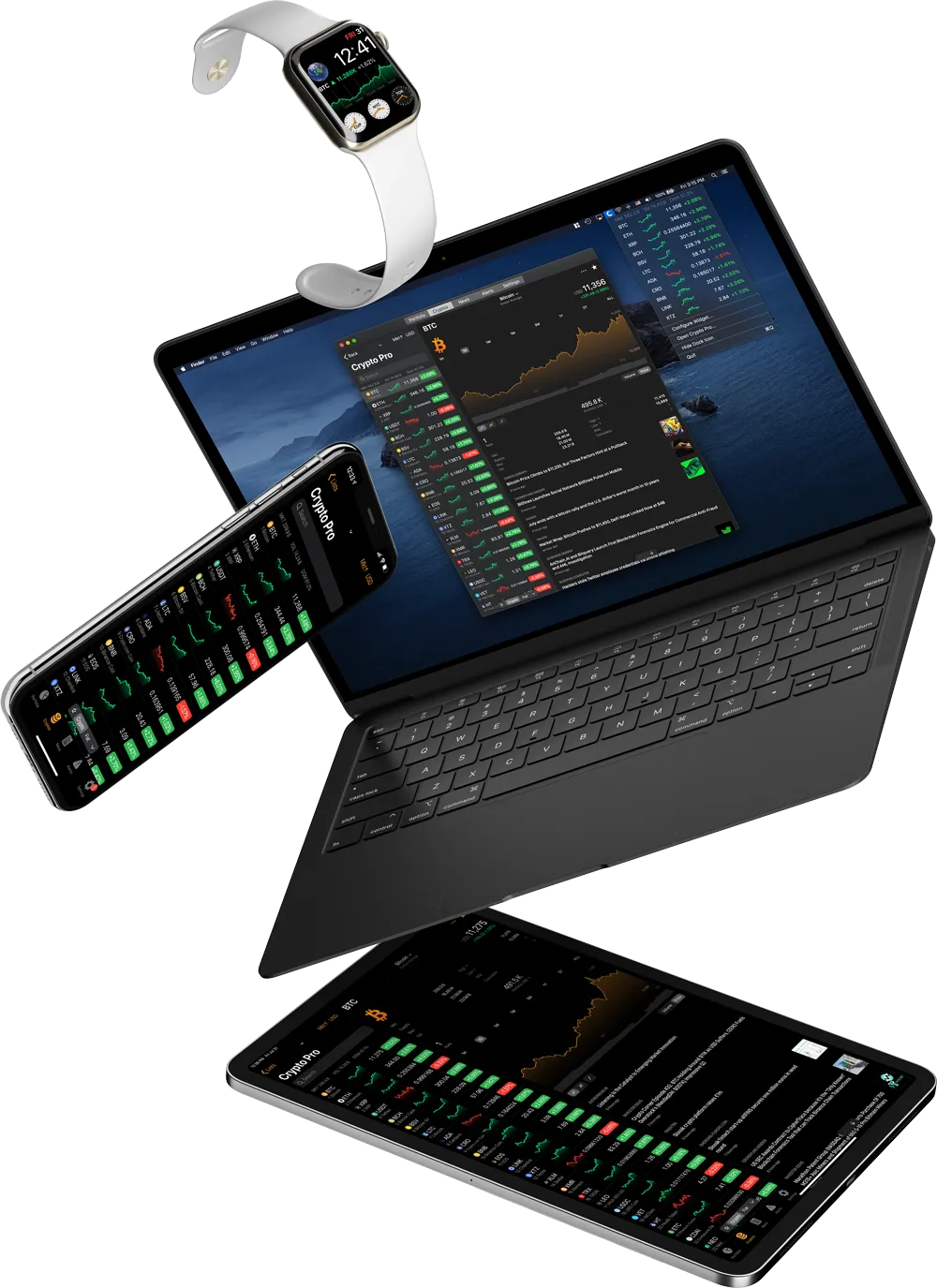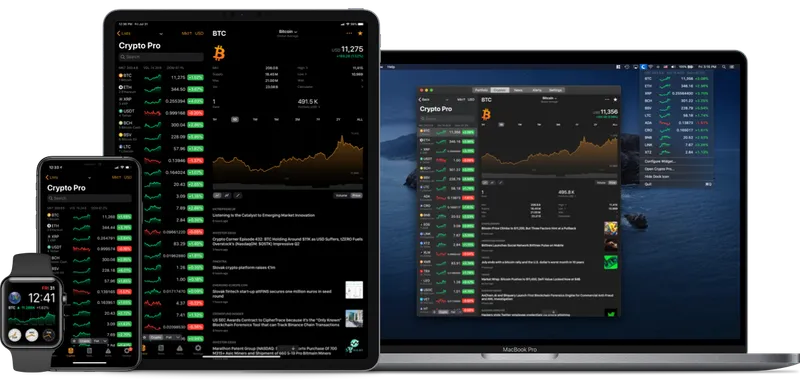
Favorites Widget:
The base currency for the Favorites Widget should match the base currency of the Favorites list in the Crypto Pro app. Learn how you can change this here.
Portfolio Widget:
The Portfolio Widget’s base currency should also match the currency of the in-app portfolio which is being displayed. Click here to learn to change this.
Troubleshooting
If you are still seeing an incorrect base currency try:
- Go to Crypto Pro > Settings > General > Clear Cache
- Force close, then relaunch Crypto Pro
- Restarting your device
If you are still having issues, send us an email here: [email protected], and mention you’ve tried the solution above.