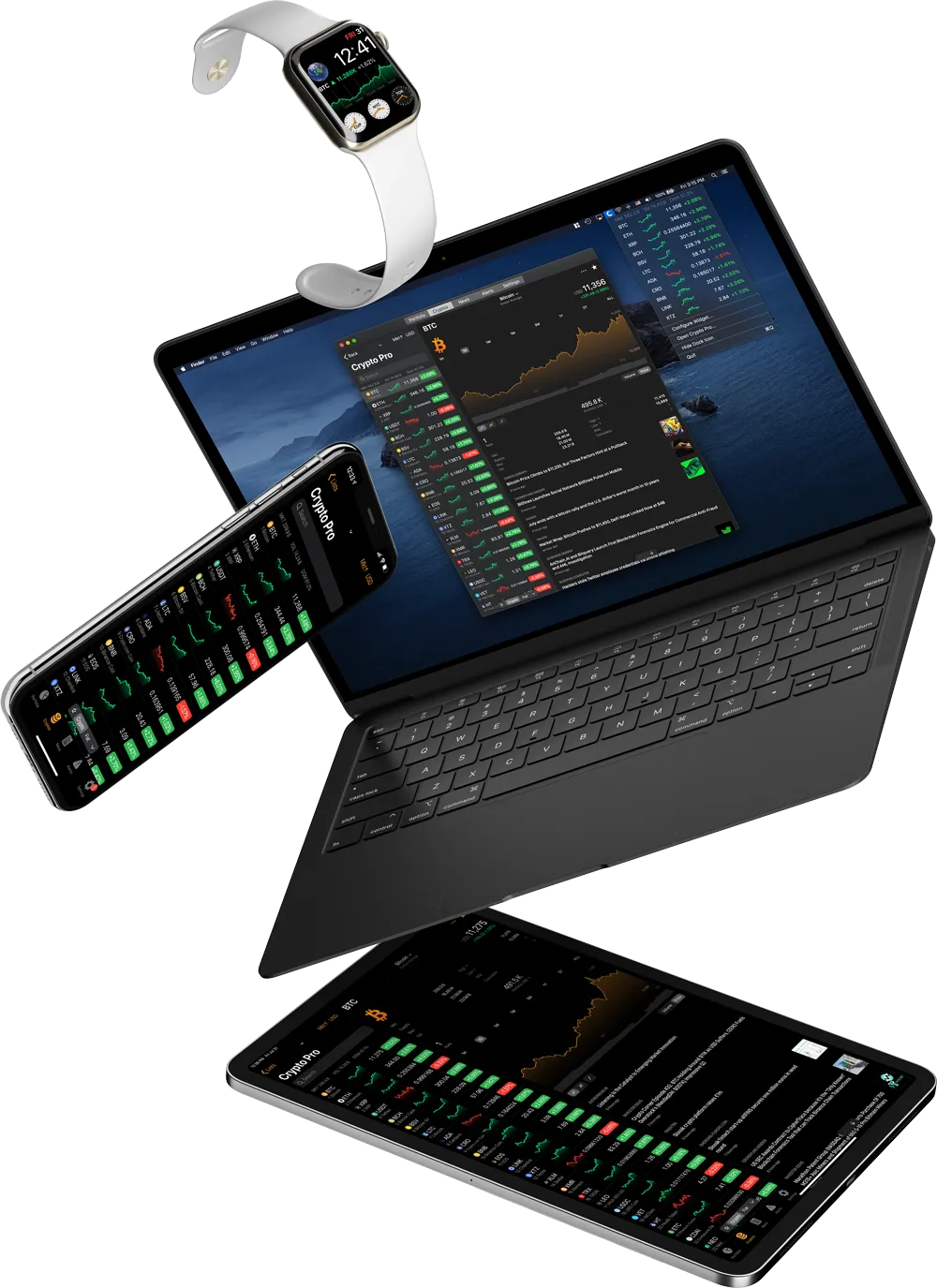
Try the Crypto Pro app

Live Prices, Widgets, Alerts, Portfolio for iPhone, iPad, Mac, Apple Watch, and Apple Vision Pro

How to Use The Currency Calculator

Guide on using the cryptocurrency converter

You can use the currency calculator between any two assets on Crypto Pro.

  1. Open a coin page for any asset e.g. Dogecoin
  2. Tap on ‘•••’ then ‘Calculator’
  3. Tap on ‘USD’ to change conversion pair
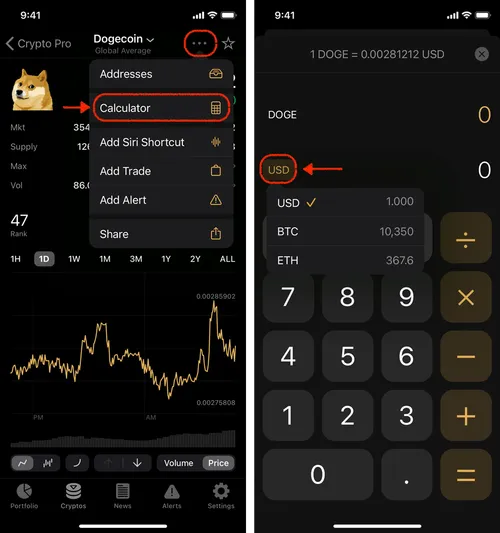
To calculate conversions with other currencies, you’ll need to change the coin page or add a base currency.


Get more with Crypto Pro app

Live Prices, Widgets, Alerts, Portfolio. Available on iPhone, iPad, Mac, Apple Watch, and Apple Vision Pro.

Download on the App StoreGet it on Google Play
QR code linking to the Crypto Pro app